Satellite dish alignment
Astra 28.2°E / 28.5°E Satellite Finder & Dish Direction
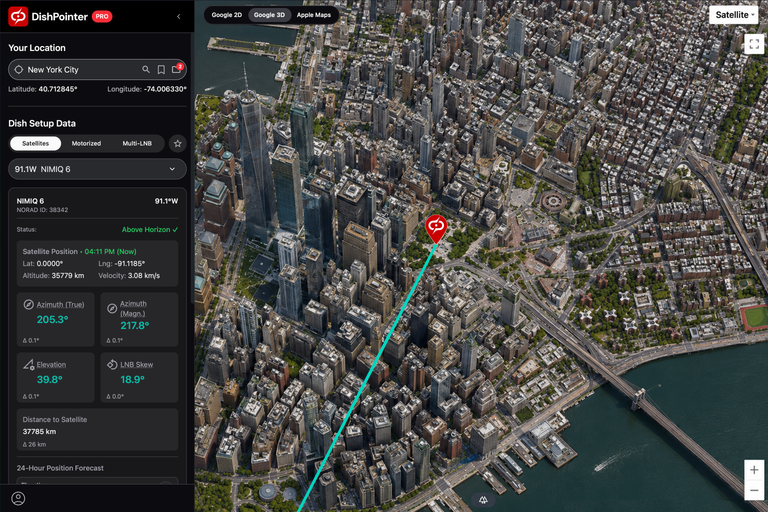
Align your dish to Astra 28.2°E / 28.5°E for UK and Irish satellite TV, including Sky and Freesat. Enter your location to calculate azimuth, elevation and LNB skew.
Your location
Satellite Data
Dish Setup Data
...How to use DishPointer
-
Set your location
Enter your address, zoom in, and drag the map marker to the exact spot of your dish.
-
Choose your satellite
Select your satellite from the list to see the green direction line.
-
Check the path
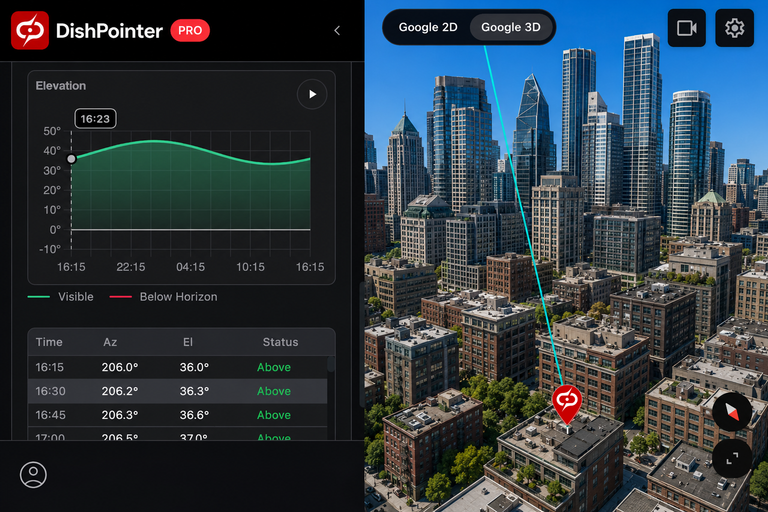
Use the obstacle tool or 3D view to make sure no trees or buildings block the line. Note a landmark (like a roof or tree) along the green line to aim at outside.
-
Aim your dish
Set the up/down angle (Elevation) and rotate the front receiver head (LNB Skew) to the numbers shown, then point the dish along the green line. Use the DishPointer Pro 2 app to see the satellite and alignment line directly live on your camera screen.
-
Fine-tune and tighten
Move the dish very slowly while watching your TV receiver's signal meter until the signal is strongest, then tighten the bolts.
Get the DishPointer Pro 2 App:
Satellites at this position
Initial direction uses Astra 2F at 28.2°E. Select a satellite in the calculator to use its position.
Astra 2F
- NORAD ID
- 38778
- Orbital position
- 28.2°E
- Orbit class
- Geostationary
- Operational state
- On station
- Inclination
- Longitude drift
- Service area
- United Kingdom and Ireland
- Operators
- SES
Astra 2G
- NORAD ID
- 40364
- Orbital position
- 28.2°E
- Orbit class
- Geostationary
- Operational state
- On station
- Inclination
- Longitude drift
- Service area
- United Kingdom and Ireland
- Operators
- SES
Astra 2E
- NORAD ID
- 39285
- Orbital position
- 28.5°E
- Orbit class
- Geostationary
- Operational state
- On station
- Inclination
- Longitude drift
- Service area
- United Kingdom and Ireland
- Operators
- SES