USA · MULTI-LNB ALIGNMENT
DISH 1000.4 Eastern Arc dish alignment
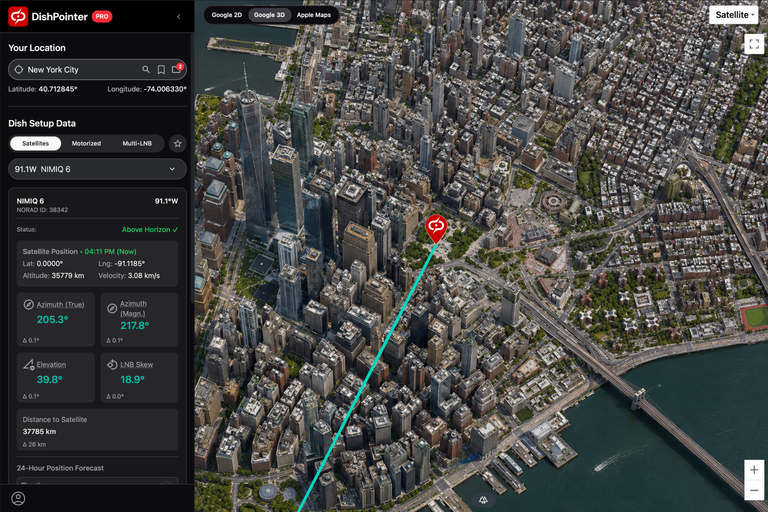
Calculate alignment for your DISH 1000.4 Eastern Arc dish. The feed arrangement includes 61.5°W, 72.7°W and 77°W, with 77°W currently unused. Enter your ZIP Code or address for pointing angles and dish skew.
Feed arrangement: 61.5W, 72.7W (center), 77W (n/a)
Your location
Latitude: °
Longitude: °
Satellite Data
Dish Setup Data
...Azimuth (true)
Azimuth angle relative to true north
°
Azimuth (mag.)
Azimuth angle relative to magnetic north. Use this with a compass.
°
Elevation
Angle between the dish and the horizontal plane. Set this on the dish mount.
°
LNB Skew
Rotation direction when standing behind the dish. Zero when LNB is vertical.
°
PERFECT RECEPTION
Check the sight line to every feed
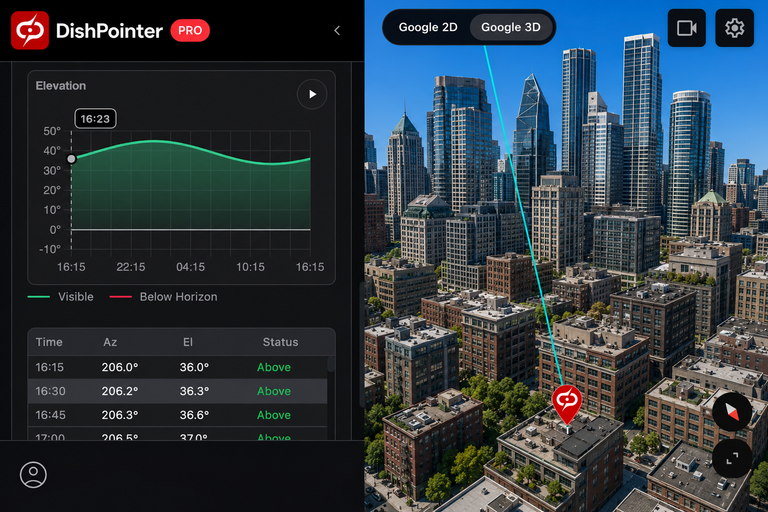
For trouble-free reception, each feed must have a clear line of sight. Check for trees, buildings and other obstructions in the satellite direction beforehand on the map, or on site with the official DishPointer Pro 2 app.


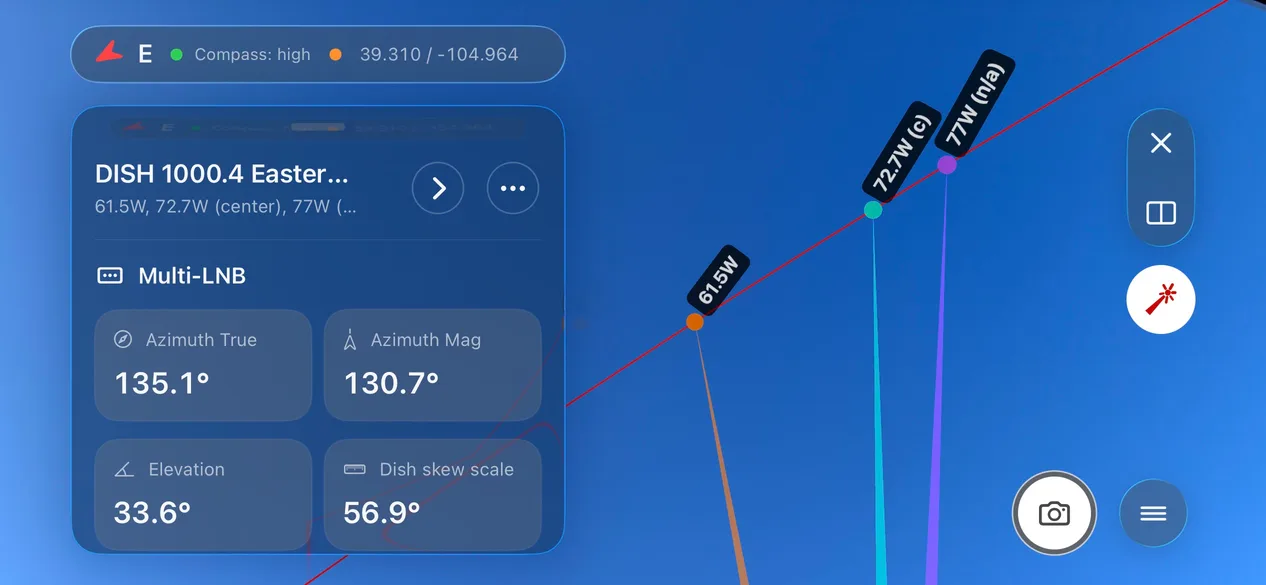
Your DISH 1000.4 Eastern Arc configuration
This Eastern Arc preset uses 72.7°W as its center target, rather than the Western Arc preset’s 119°W. The unused 77°W feed is retained for geometry and marked n/a.
- Service status
- Multi-LNB alignment
- Alignment target
- 72.7°W
- Feed positions
- 61.5W, 72.7W (center), 77W (n/a)
- Dish skew scale
- Neutral: 90°. Clockwise rotation increases the scale reading, viewed from behind the dish.
Quick setup guide
- Aim the dish along the alignment line shown on the map.
- Set elevation and dish skew on your dish scale to the values shown by DishPointer.
- Check for obstructions with the DishPointer Pro 2 app. Each active feed must have a clear line of sight.
- Peak the signal for the centered satellite, then verify or fine-tune the others.