Satellite dish alignment
Nilesat 7°W Satellite Finder & Dish Direction
Align your dish to Nilesat 7°W for Arabic news, entertainment and international TV in the Middle East and North Africa. Enter your location to calculate azimuth, elevation and LNB skew.
Your location
Satellite Data
Dish Setup Data
...How to use DishPointer
-
Set your location
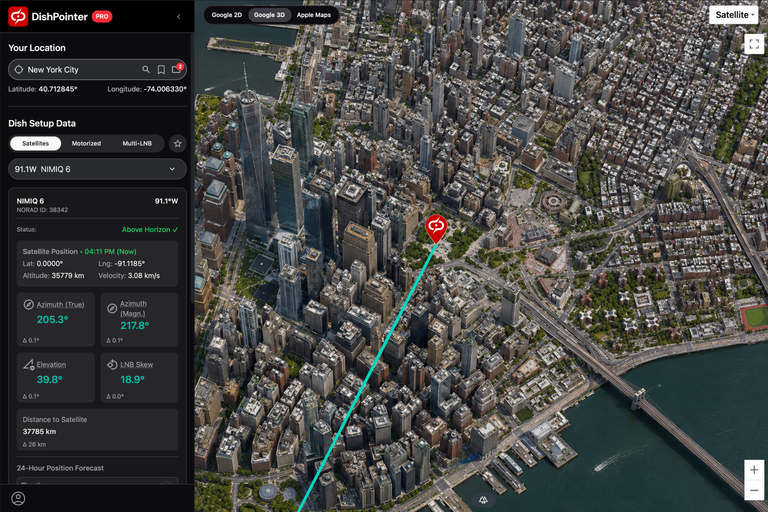
Enter your address, zoom in, and drag the map marker to the exact spot of your dish.
-
Choose your satellite
Select your satellite from the list to see the green direction line.
-
Check the path
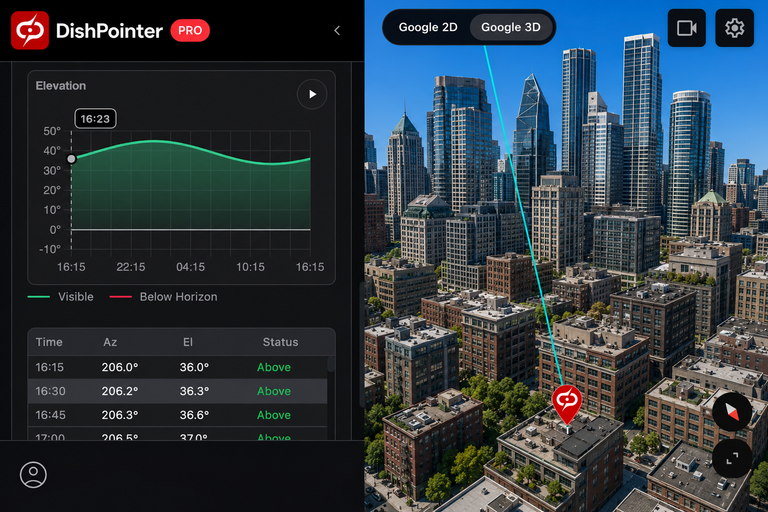
Use the obstacle tool or 3D view to make sure no trees or buildings block the line. Note a landmark (like a roof or tree) along the green line to aim at outside.
-
Aim your dish
Set the up/down angle (Elevation) and rotate the front receiver head (LNB Skew) to the numbers shown, then point the dish along the green line. Use the DishPointer Pro 2 app to see the satellite and alignment line directly live on your camera screen.
-
Fine-tune and tighten
Move the dish very slowly while watching your TV receiver's signal meter until the signal is strongest, then tighten the bolts.
Get the DishPointer Pro 2 App:
Satellites at this position
Initial direction uses Nilesat 201 at 7°W. Select a satellite in the calculator to use its position.
Nilesat 201
- NORAD ID
- 36830
- Orbital position
- 7°W
- Orbit class
- Geostationary
- Operational state
- On station
- Inclination
- Longitude drift
- Service area
- Middle East and North Africa
- Operators
- Nilesat
Nilesat 301
- NORAD ID
- 52817
- Orbital position
- 7°W
- Orbit class
- Geostationary
- Operational state
- On station
- Inclination
- Longitude drift
- Service area
- Middle East and North Africa
- Operators
- Nilesat