Satellite dish alignment
Türksat 42°E Satellite Finder & Dish Direction
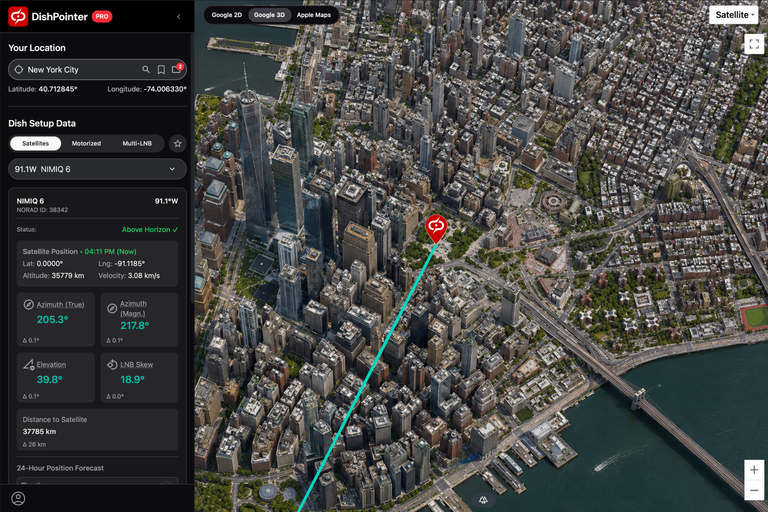
Align your dish to Türksat 42°E for Turkish satellite TV. Enter your location to calculate azimuth, elevation and LNB skew.
Your location
Satellite Data
Dish Setup Data
...How to use DishPointer
-
Set your location
Enter your address, zoom in, and drag the map marker to the exact spot of your dish.
-
Choose your satellite
Select your satellite from the list to see the green direction line.
-
Check the path
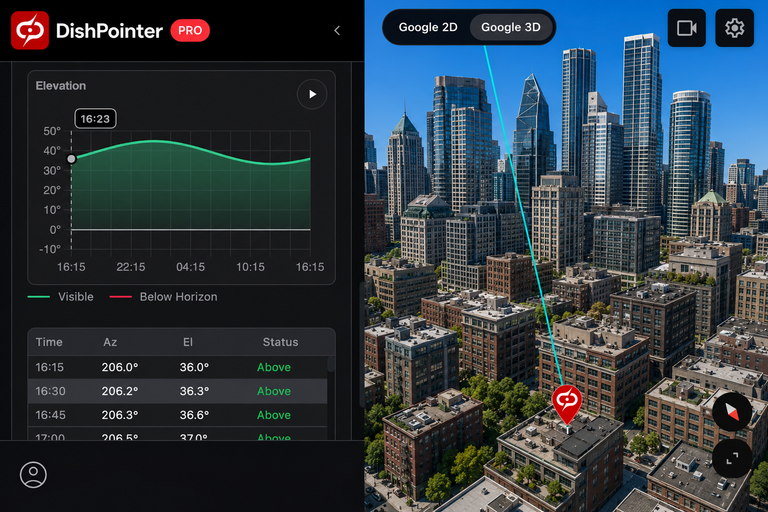
Use the obstacle tool or 3D view to make sure no trees or buildings block the line. Note a landmark (like a roof or tree) along the green line to aim at outside.
-
Aim your dish
Set the up/down angle (Elevation) and rotate the front receiver head (LNB Skew) to the numbers shown, then point the dish along the green line. Use the DishPointer Pro 2 app to see the satellite and alignment line directly live on your camera screen.
-
Fine-tune and tighten
Move the dish very slowly while watching your TV receiver's signal meter until the signal is strongest, then tighten the bolts.
Get the DishPointer Pro 2 App:
Satellites at this position
Initial direction uses Türksat 3A at 42°E. Select a satellite in the calculator to use its position.
Türksat 3A
- NORAD ID
- 33056
- Orbital position
- 42°E
- Orbit class
- Geostationary
- Operational state
- On station
- Inclination
- Longitude drift
- Service area
- Turkey
- Operators
- Türksat
Türksat 4A
- NORAD ID
- 39522
- Orbital position
- 42°E
- Orbit class
- Geostationary
- Operational state
- On station
- Inclination
- Longitude drift
- Service area
- Turkey
- Operators
- Türksat
Türksat 5B
- NORAD ID
- 50212
- Orbital position
- 42°E
- Orbit class
- Geostationary
- Operational state
- On station
- Inclination
- Longitude drift
- Service area
- Turkey
- Operators
- Türksat
Türksat 6A
- NORAD ID
- 60233
- Orbital position
- 42°E
- Orbit class
- Geostationary
- Operational state
- On station
- Inclination
- Longitude drift
- Service area
- Turkey
- Operators
- Türksat